The Movers App is MoveBoard on your phone. Sign in once — the app keeps you signed in.
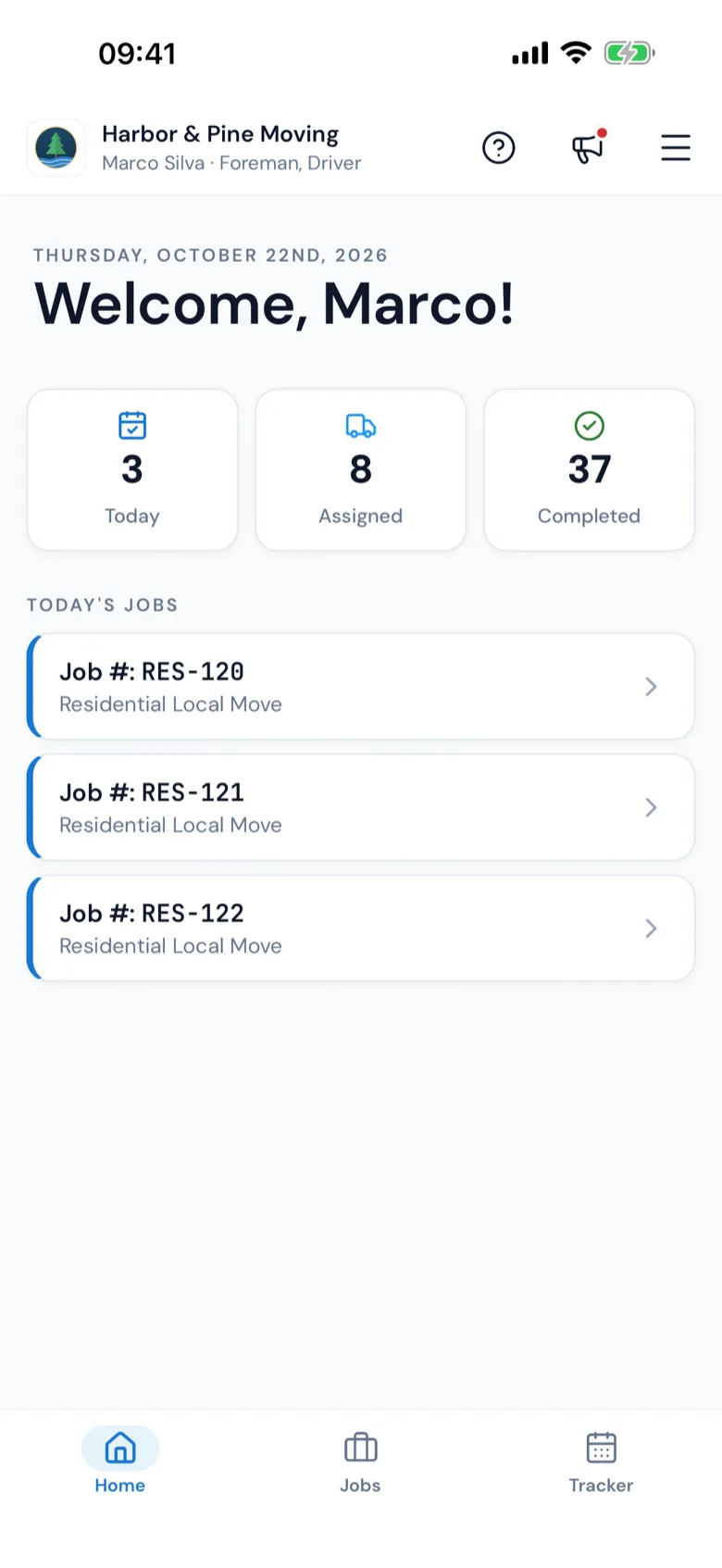
The Movers App home: Welcome, the Today, Assigned and Completed counts, and today's jobs
At the top
Your company, your name and your position.
? — the guide for the screen you're on.
The megaphone — What's New. A red dot means something new.
The menu — Edit Profile, The office (only if you also work in the office), Logout, the look of the app, and your notifications.
On the home screen
Welcome, [your name]! and the date. Under it:
The office is waiting for your answer — a card for each day you're scheduled, with the start time. Press CONFIRM (or DECLINE, if your company allows it). Once you answer, the start time stays on the screen so you can check it.
Foremen also see three counts — Today, Assigned and Completed — and Today's Jobs. Press a job to open it right where your crew left off. No job assigned means nothing for today.
The tabs at the bottom
Home — this screen.
Jobs — your jobs (foremen).
Trips — long-distance trips (drivers on a trip).
Boxes — box deliveries, when the office gives you one.
Tracker — your schedule; ask for time off here (if your company allows it).
 MoveBoard