 MoveBoard
An order is Booked when the customer has signed the Order for Service and the deposit (if one is asked) is paid. There are two ways.
The customer books online
On a Can Book Online or Reserved order, the customer opens their portal and presses Book your move. They:
- Agree to use electronic signatures.
- Review your order for service — and your company policies, inside it.
- Adopt your signature, then tap each yellow Sign here in the document.
- Press Save and book my move — or, with a deposit still due, Save and continue to payment and pay it.
Nothing is signed until your deposit goes through. If they leave or the card is declined, their signature isn't kept. Once it goes through they see You're booked! — Your move is confirmed and scheduled.
When the deposit is paid to you another way
If your company has no online card payments connected (Settings › Payments & billing › Payment processing) and a deposit is due, the customer can't pay it on the page — so the page says so before they sign: Your $… deposit is paid to (your company) directly, not on this page. Sign below and press Sign and save: your signature is kept, and your move is booked as soon as (your company) receives your deposit.
- They sign and press Sign and save. Their signatures are saved right away and they see Your signature is saved.
- The order is not booked yet: it stays where it was (Can Book Online or Reserved), and the Order Log says the Order for Service is signed and the order books once the deposit is received.
- Take the deposit any way you like — cash, check, a card recorded or charged in the order's Payments window. The moment nothing of the deposit is still due, the order moves to Booked on the customer's signature and your Booked messages go out.
If the booking is refused then (no truck on the day, a missing address), the deposit stays, the Order Log says why, and the order books the next time a deposit is taken once it's fixed — or you book it yourself. Their portal shows their signed documents and that the move books once the deposit is received.
See Can Book Online and Text the deposit link.
You book it with the customer on the phone
- Open the order's Payments window (the Payment row in Quote Details) and choose the Booking & signing tab.
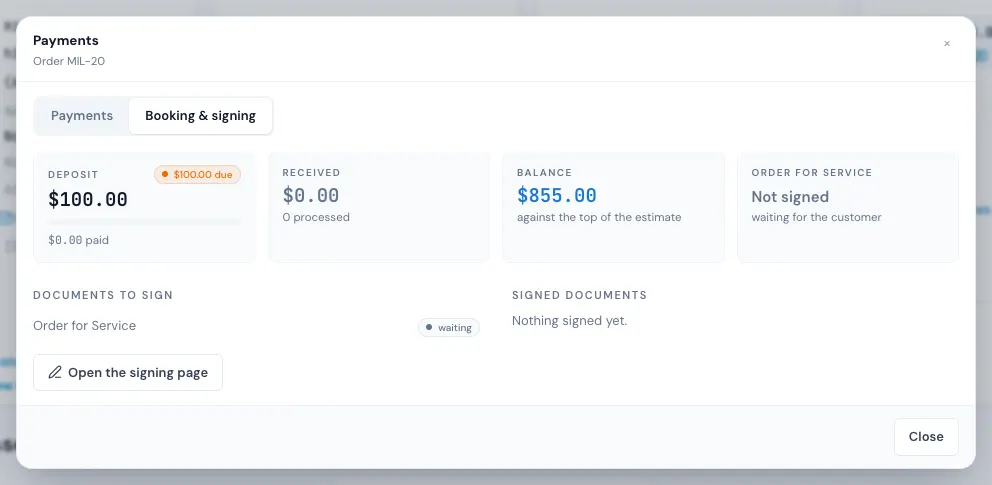
- It shows the deposit, the documents waiting to be signed and those already signed. Press Open the signing page.
- The signing page is the same page the customer sees. Walk them through it and sign together.
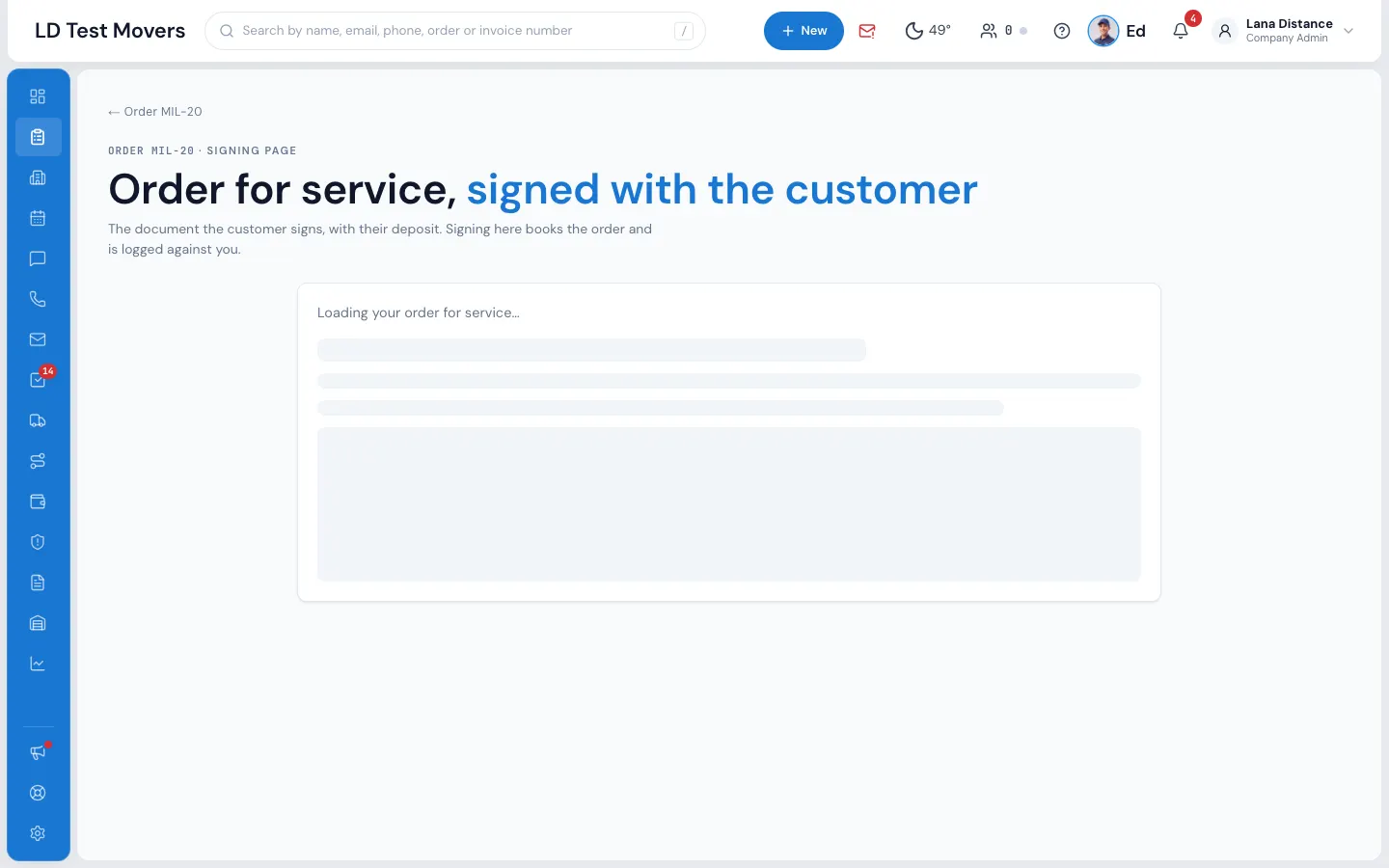
Signing here books the order and is logged against you. In the office you can sign before the deposit is paid; taking a deposit by card here needs the deposit permission.
Booking it yourself from the status
When you pick Booked in the order's status menu and the customer hasn't signed the Order for Service, MoveBoard asks first: The customer has not signed the Order for Service. Book this order anyway? Press Book anyway to book it (it's saved when you press SAVE), or Don't book. An order with a signed Order for Service books with no question. An estimate's signature alone doesn't count as the Order for Service.
What happens next
- The order moves to Booked, and your company's Booked messages go to the customer.
- The signed Order for Service is kept on the order: open it from Signed documents on the Payments window's Booking & signing tab.
- The Deposit row in Quote Details shows Signed — hover over it to see who signed and when.
If it can't be booked
- This order is already booked.
- This order has been cancelled. Please contact your moving specialist.
- There is no document to sign on this order yet. — your company has no Order for Service that fits this move. See Order for Service and estimate signing.
- The price is hidden from the customer — they can't sign a price they can't see. See Hiding the price from customers.
- Please pay the $… deposit to book your move. — online, with card payments connected, the deposit is paid when they sign.